ZenTheme Pro
$299 one-time
Developer license $449, adds source-code access.
- Light and dark palettes with a visitor toggle
- Every setting, no feature locks
- 1 year of updates
- Email support
ZenTheme Pro is built on Copenhagen 4.51.4. Light and dark each get their own palette, visitors can switch between them, and the page never flashes the wrong one.
$299 one-time
Developer license $449, adds source-code access.
$249 one-time
I set up ZenTheme Pro for you.
Custom
A theme built for you, or a heavy customization of yours.
First 10 buyers get a free 30-minute setup call · Consulting from $90/h · How ZenTheme Pro differs from Copenhagen →
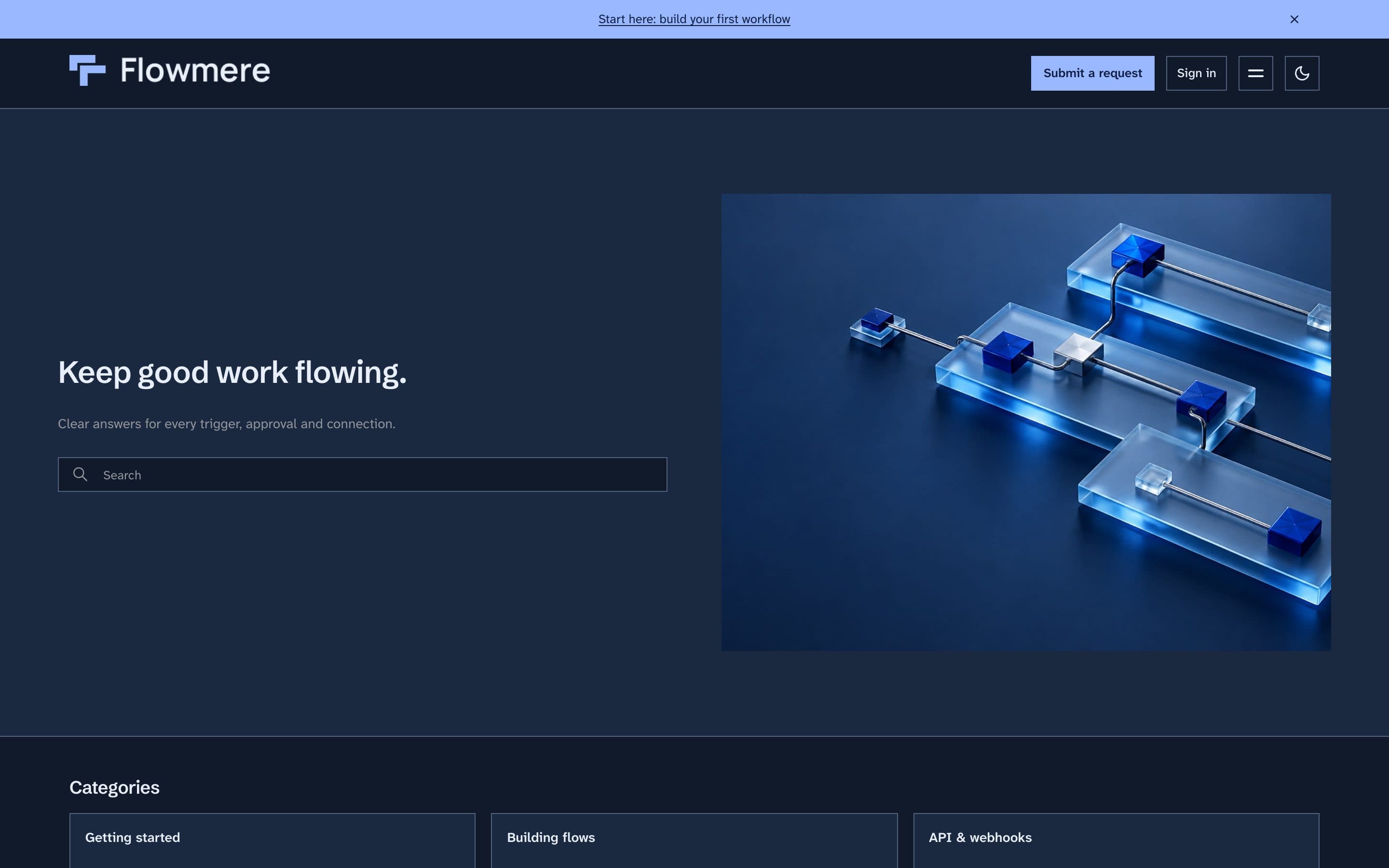
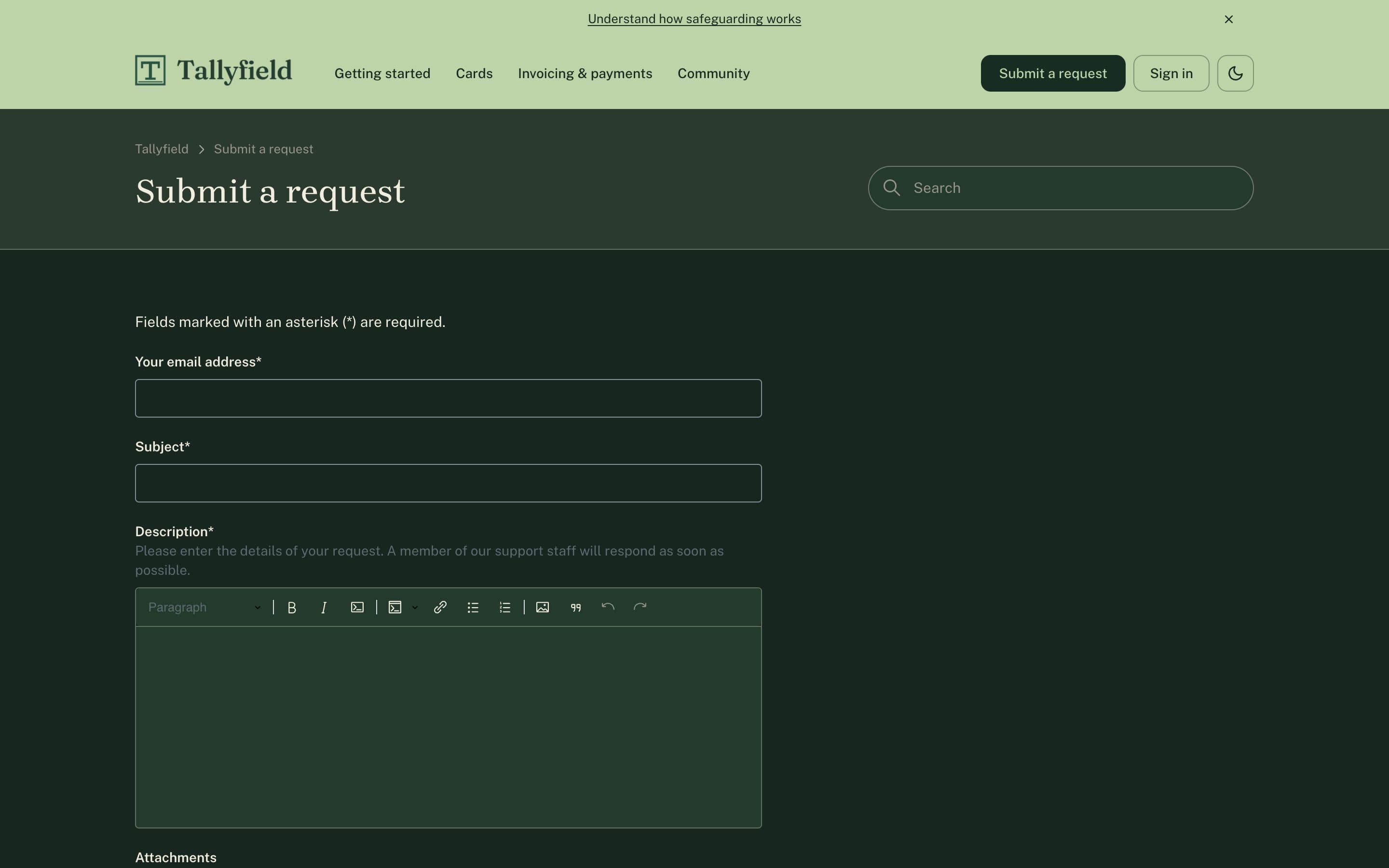
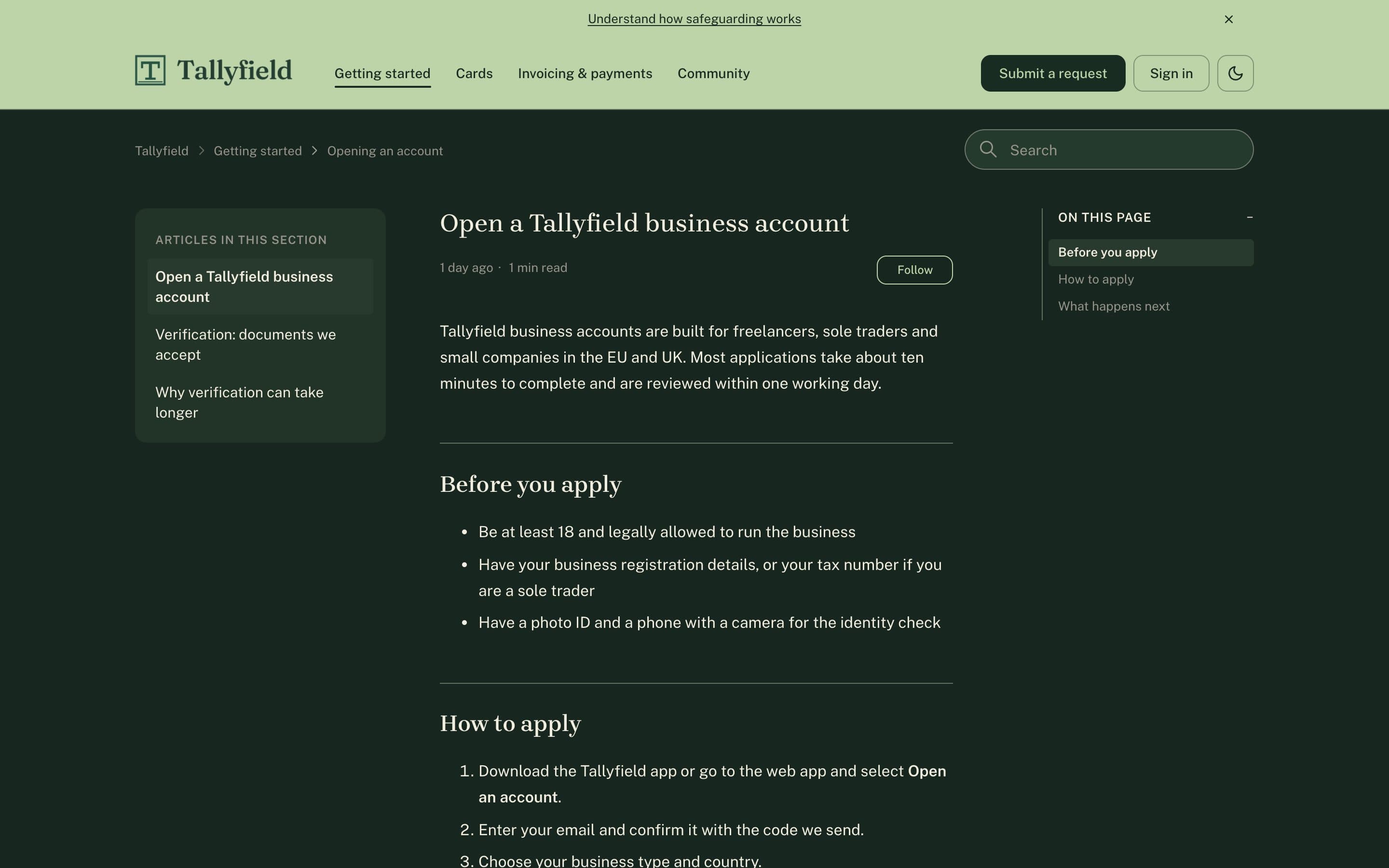
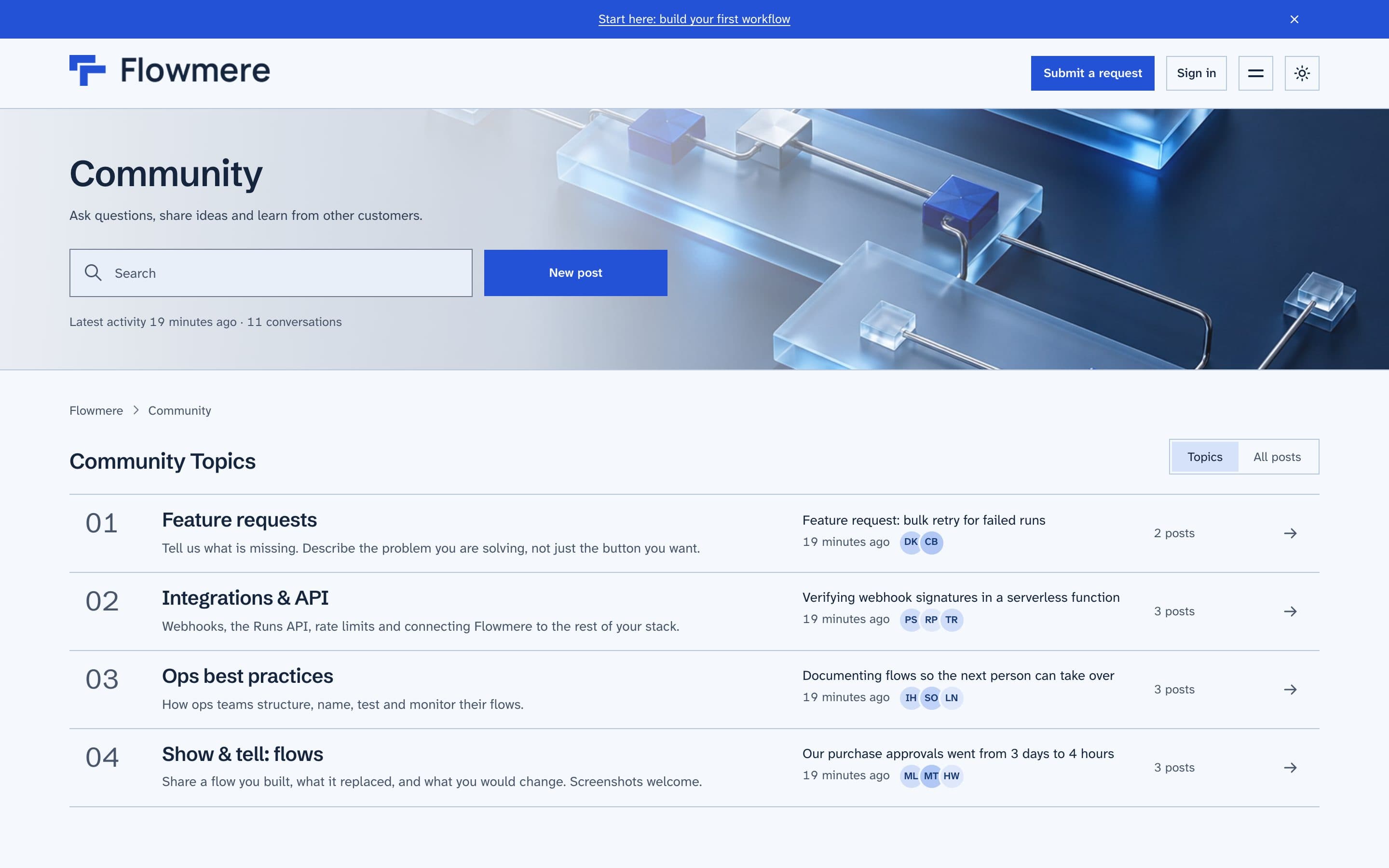
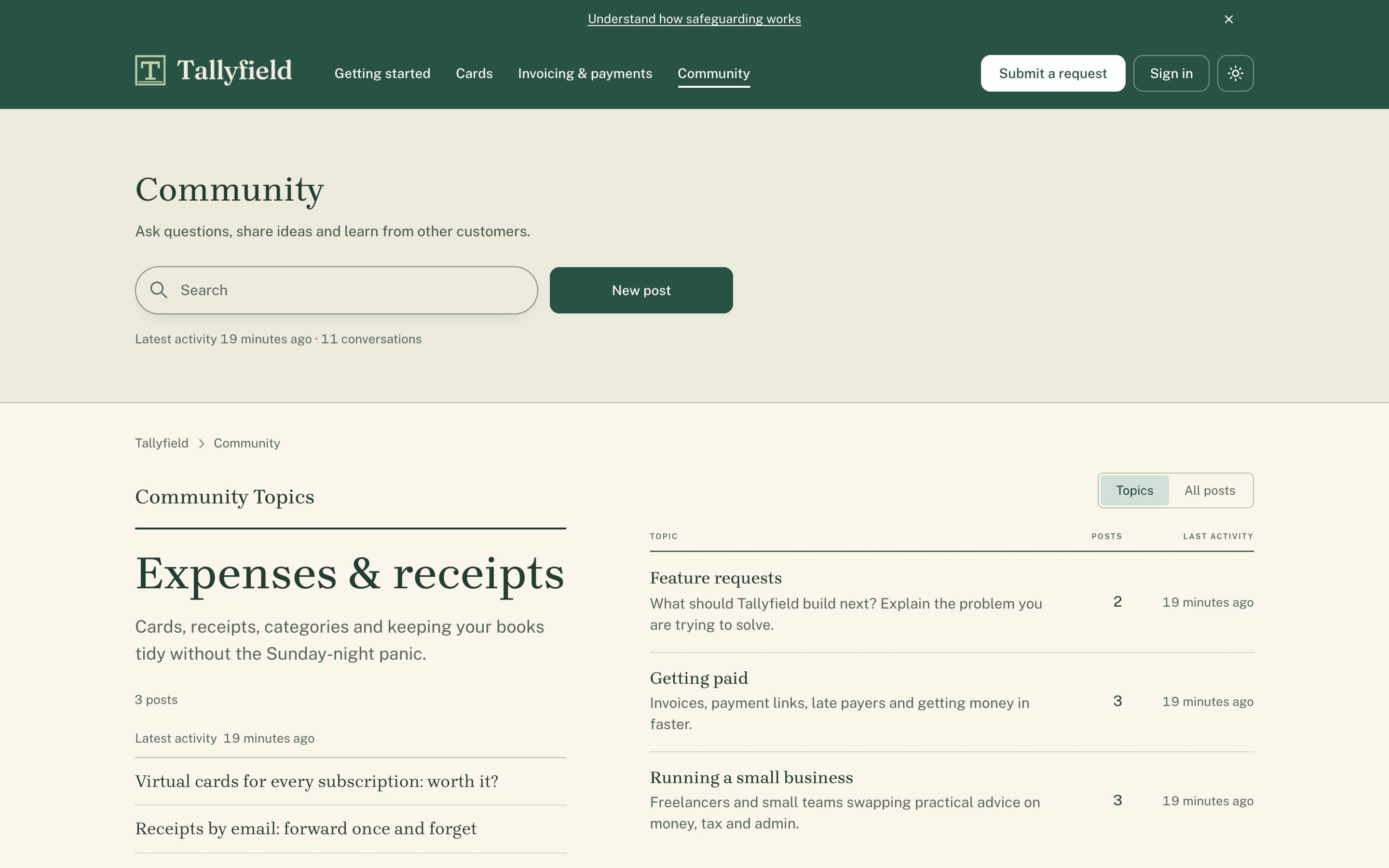
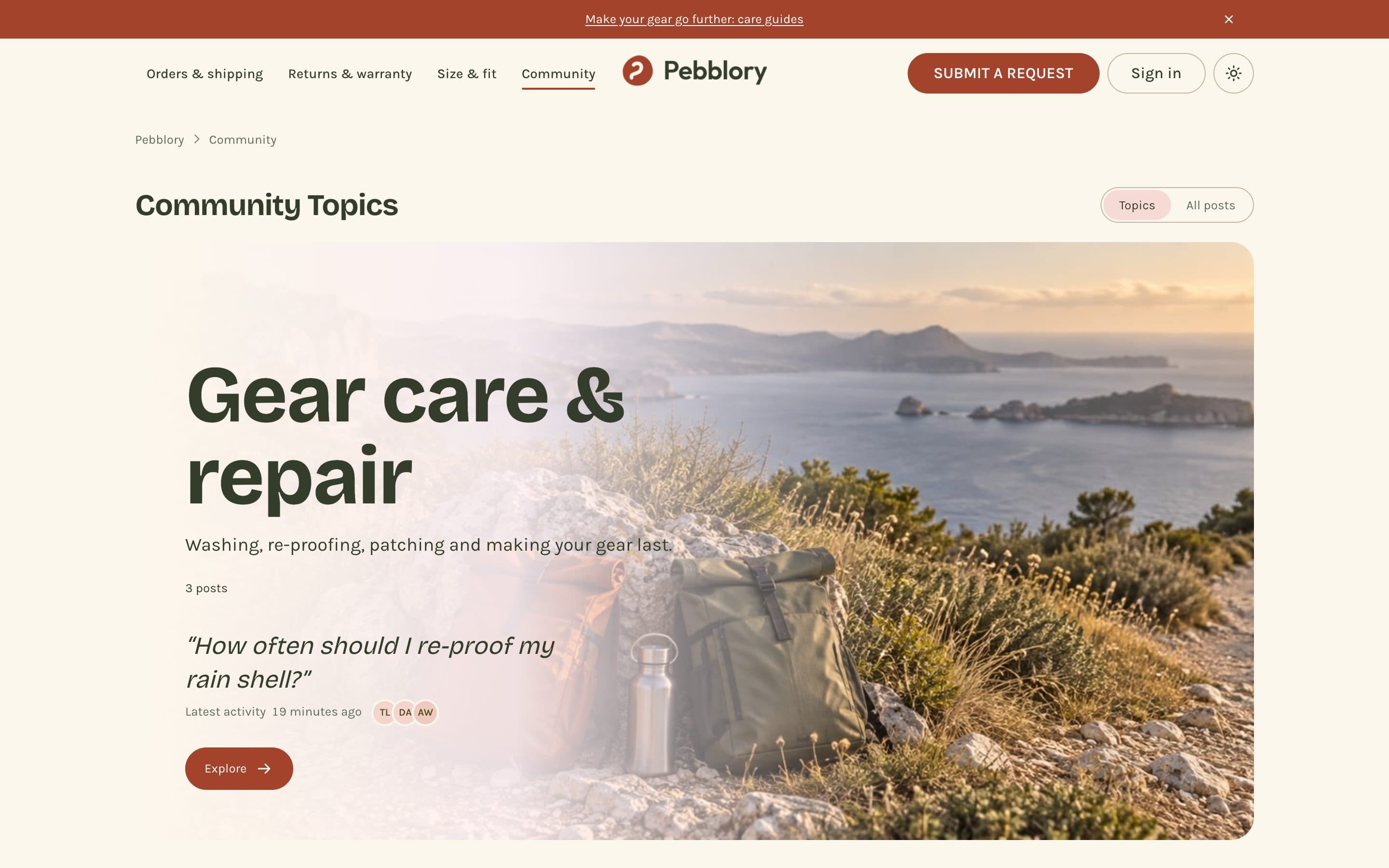
Each is a fictional company with a live Help Center running ZenTheme Pro. Only the settings and three uploaded images differ. Open one, search, switch modes.
Workflow-automation SaaS
Light
Dark
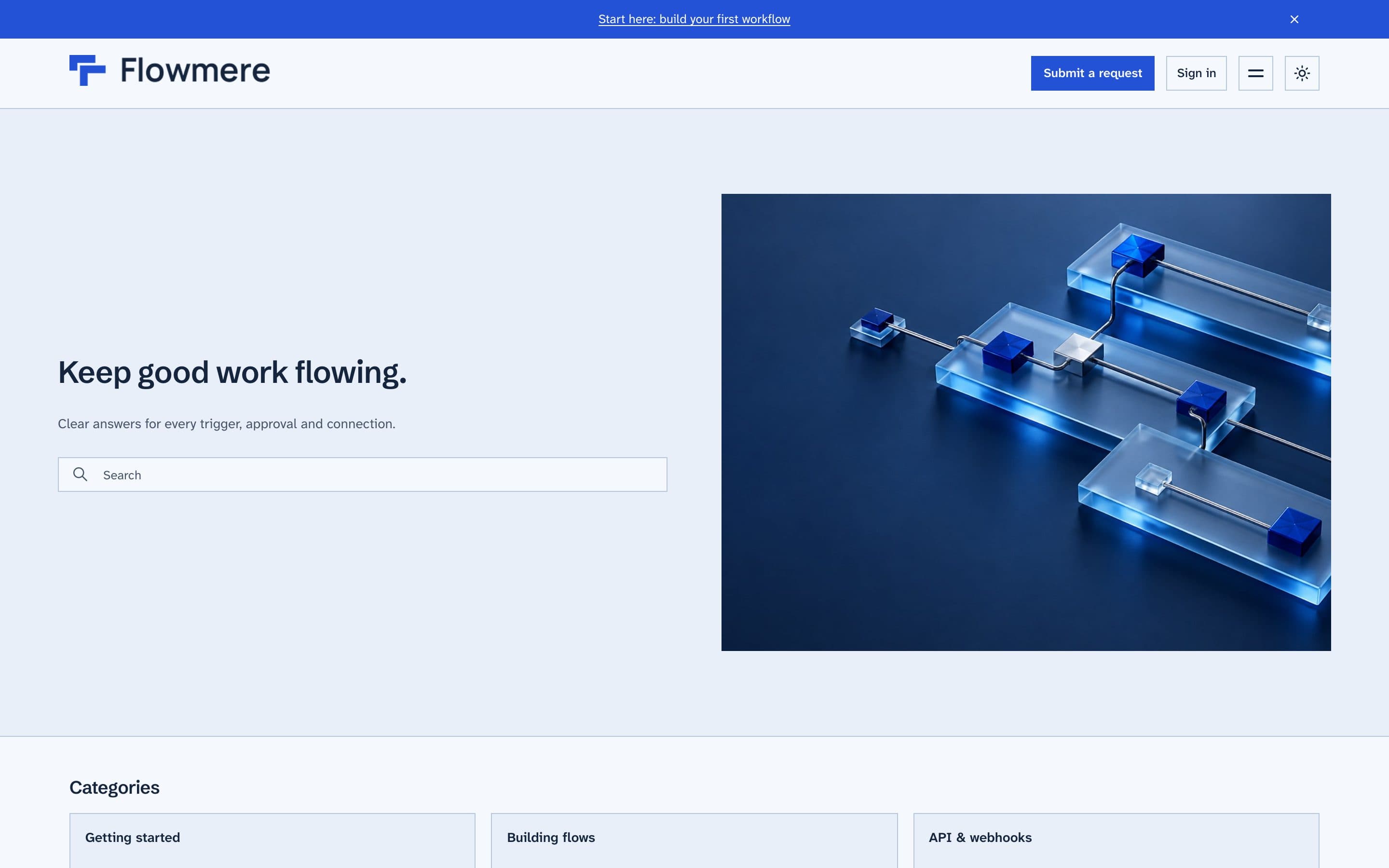
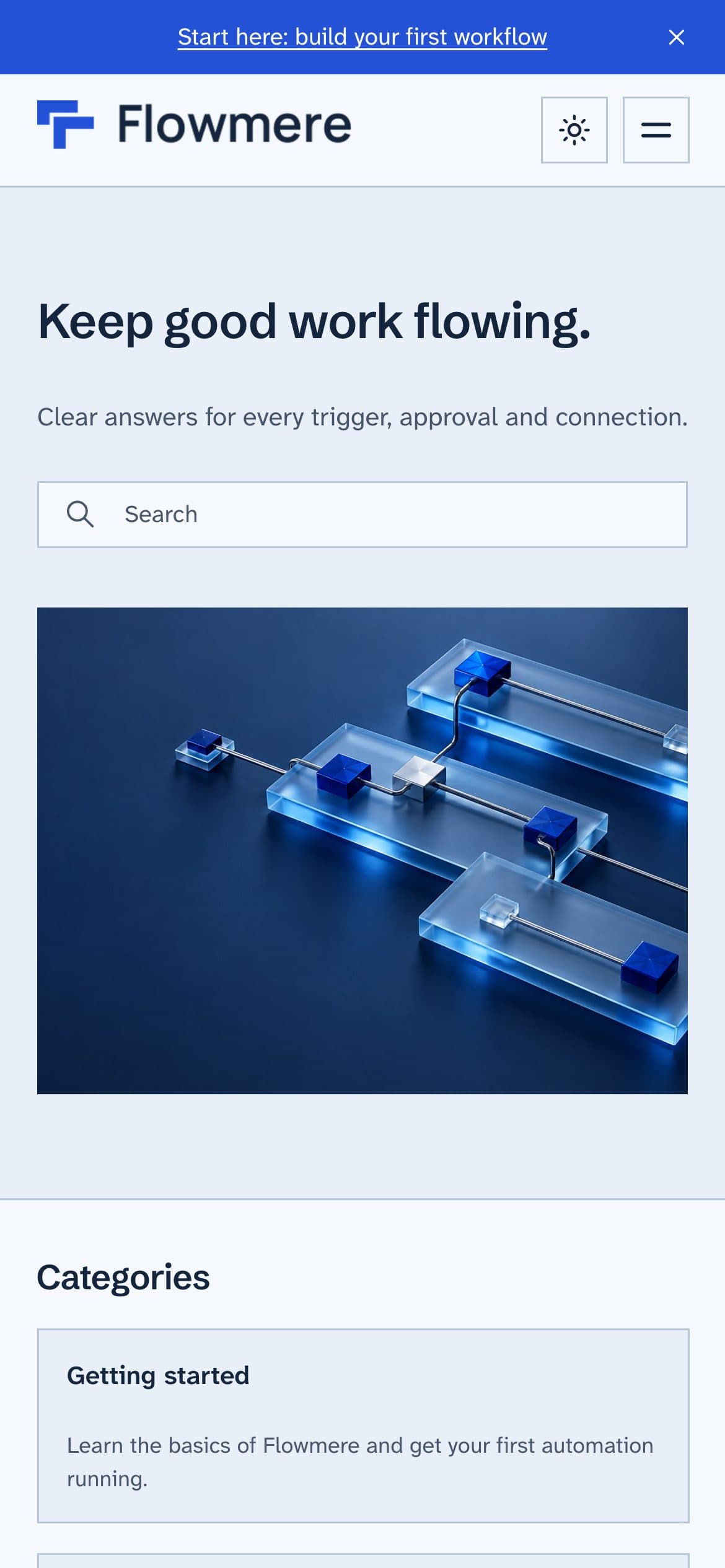
Flowmere is a fictional company, built as a demo. The Help Center is real and live.
I work in React and Next.js every day, and I build ZenTheme Pro and every custom Help Center myself. When you write to hello@zenthemelab.com, it reaches me.
I have built a fully custom Help Center from scratch on the latest Copenhagen for a Swedish music-software company, with Zendesk's generative AI Quick answers in search.
ZenTheme Pro already includes Zendesk's {{generative_answers}} helper, so turning on generative search in Zendesk shows AI Quick answers in the theme.
ZenTheme Pro is submitted to the Zendesk Marketplace and is waiting for review, so it is not listed there yet. Until it is, email hello@zenthemelab.com and I will arrange your license directly.
Standard ($299) has every theme feature and setting, so most teams need nothing more. Developer ($449) is the same theme plus source-code access through Zendesk's Edit code, for teams that want to change templates, CSS or JavaScript themselves. Both are one-time and cover one Zendesk account. Developer does not allow redistribution or resale.
Both licenses include a year of updates. When Zendesk ships a new Copenhagen release I merge it, test it and send you a new version, which you import in Guide with your settings kept. Zendesk does not auto-update custom themes, so nothing changes under you in between. With a Developer license, updates stop once you edit the code, which is a Zendesk Marketplace rule. The current base is Copenhagen 4.51.4.
No. Colors, fonts, logos, header layout, corner radius, cards and hero are all theme settings in Guide. If you would rather not, the done-for-you setup does it in 48 hours.
It depends on the project, so I quote each one. Tell me what you need and I will send a fixed price.
Zendesk is removing Templating API v1 to v3 on July 31, 2027. The full timeline, how to check your Help Center theme version, what breaks, and a short migration checklist.
Zendesk's built-in dark mode covers the agent workspace, not your public Help Center. What a good Help Center dark mode needs, and how to get it with a theme.